Structural Vibration View icon

Watch a structure vibrate, in 3D.

Educational software for students, engineers, researchers and anyone building something: see how a simple structure actually deflects while it vibrates. Pick a beam, a plate or a spring on a mass, set its size and what it is made of, and the mode shape moves on screen at a pace you can follow - rotate, pan and zoom the view while it is moving.

Version 0.1.0 · Windows and macOS · free and open source · MIT licence · release notes
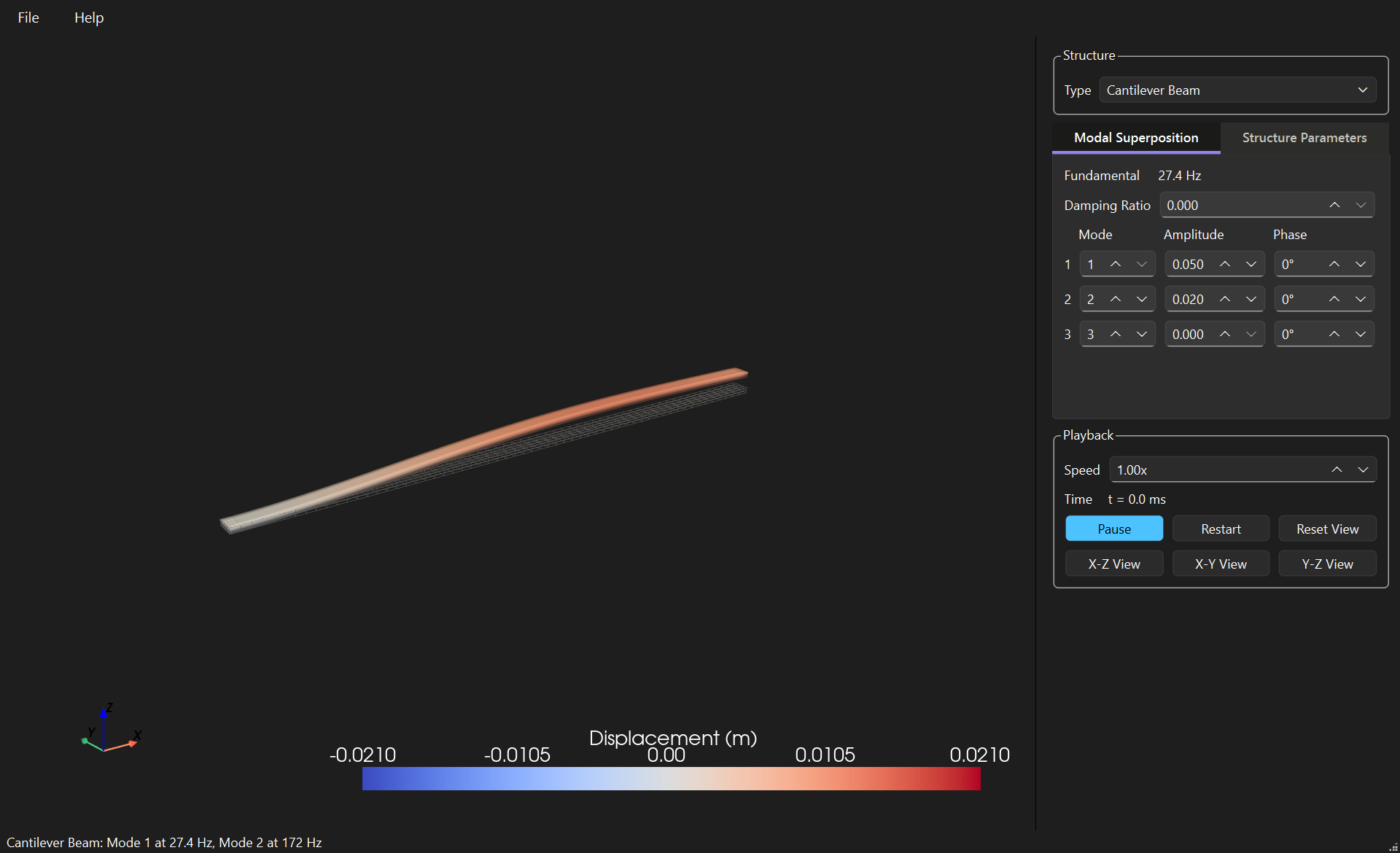
A cantilever beam vibrating in the 3D view, coloured by displacement

Vibration is a moving thing, and a textbook cannot move

A mode shape drawn on paper is a frozen curve with arrows. On screen it is a structure bending, and the difference is the whole point: you see where the nodes sit, how much of the length actually moves, and how the second mode differs from the first. That is what this is for - a lecture demonstration, a check on intuition before the analysis, or an afternoon spent finding out why a shelf hums.

A teaching tool, not an analysis package: the structures are uniform and the results are closed-form. A real part with holes, welds or joints needs a finite element model instead.

Real frequencies

Every frequency is computed from the dimensions, the density and the stiffness, with the boundary conditions of the type you chose. Change the thickness and watch the number move with it.

Slow motion that fits

Real structures vibrate far too fast to see. The animation slows itself to the structure, so mode 1 always takes two seconds per cycle whatever it runs at, and a high mode is as watchable as a low one.

Modes on their own or together

Study one mode by itself, or superpose three with their own amplitudes and phases and watch them interfere. Add damping and see the motion decay.

Six systems, three families

Each family carries its own theory, and the app shows only the parameters that family uses.

Beams

Cantilever, simply supported, and clamped at both ends. Euler-Bernoulli theory, six modes each.

Plates

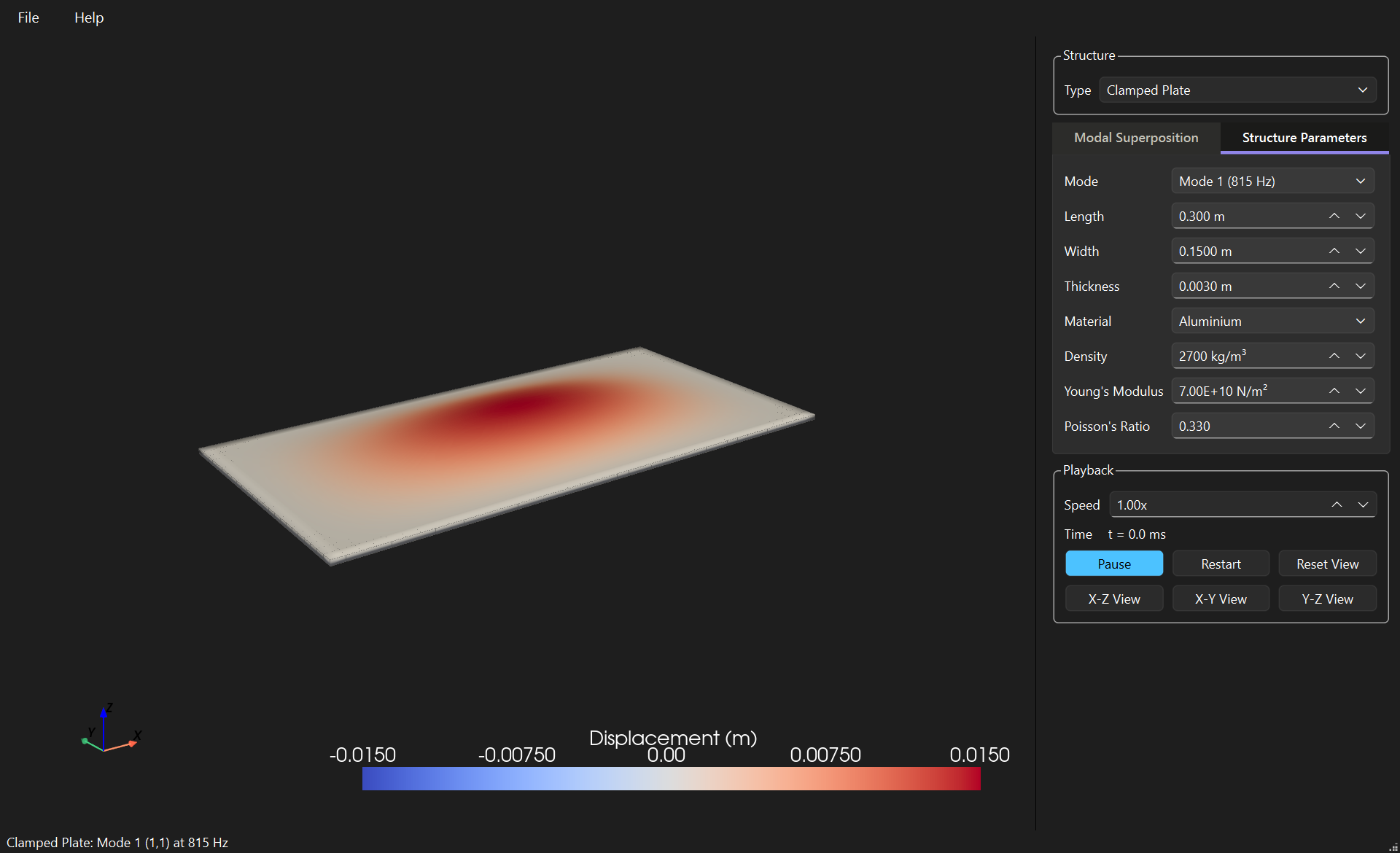
Simply supported on all four edges, or clamped on all four. Kirchhoff theory; the clamped plate uses Warburton's frequencies, within about 1% of the published values.

Spring-mass

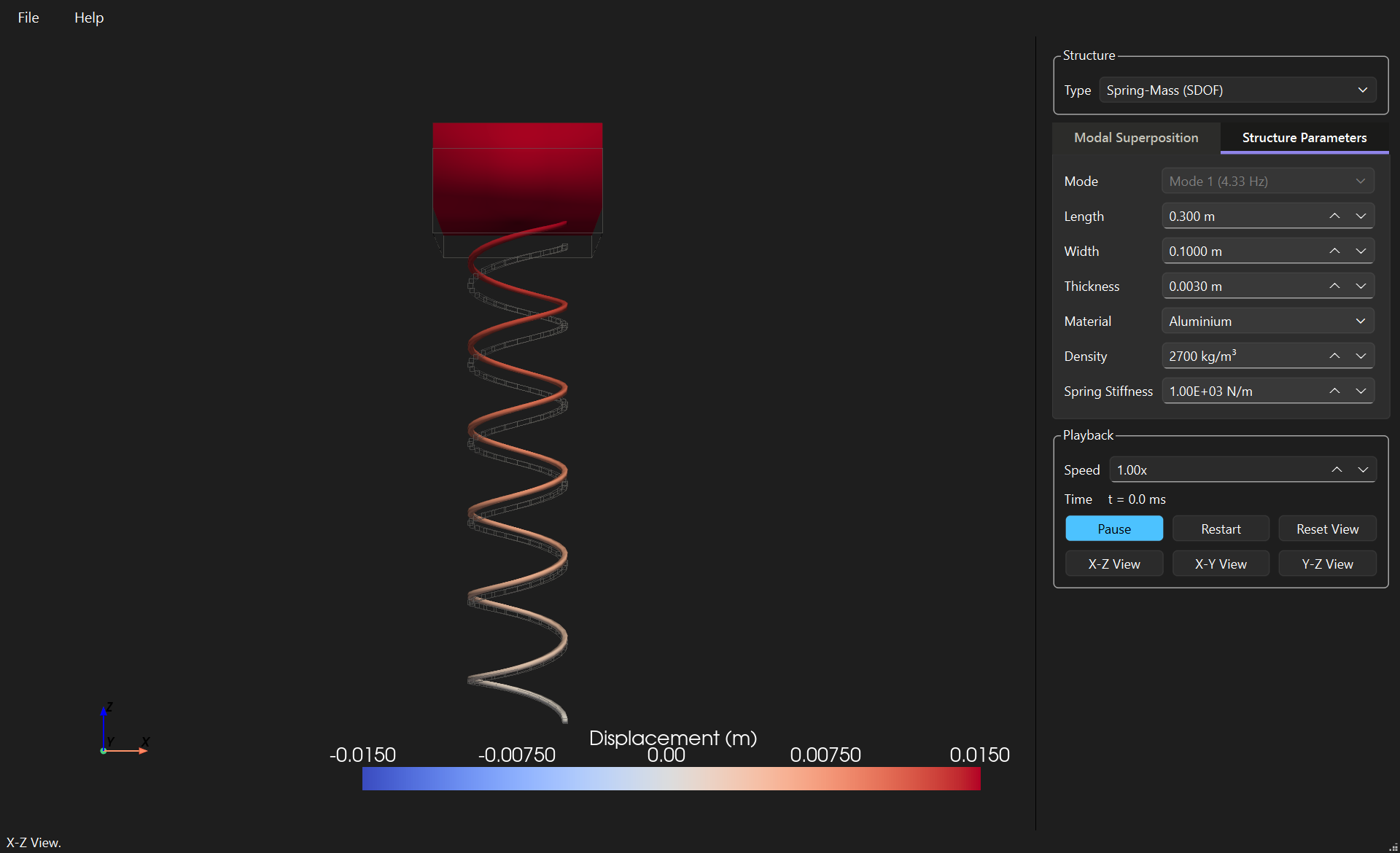
One mass on one spring: the simplest vibrating system, and what each mode of a beam behaves like on its own.

A clamped plate in its first mode, the deflection concentrated in the middle The spring-mass system, the coil stretched and the block lifted

Quick start

  1. Pick a Type. The list groups the beams, the plates and the oscillator.
  2. Set the structure. On the Structure Parameters tab, give it a length, a width and a thickness, and choose a material from the list or type your own density and stiffness.
  3. Choose a mode. While that tab is open, the mode at the top plays on its own, with its natural frequency beside it.
  4. Or superpose. Switch to Modal Superposition and give up to three modes their own amplitude and phase, with a damping ratio for the decay.
  5. Look around. Drag to rotate while it moves, or use the X-Z, X-Y and Y-Z buttons. Save the whole window to a file with File > Save and open it again later.

The manual

Every control, what it does, and the theory behind each system.

Open the user manual

The same pages open inside the app under Help > User Manual, or by pressing F1.

Get the app

Version 0.1.0, built on Windows and macOS by the project's own workflow. What changed, and what it cannot do, is in the release notes - worth a minute before the download, since the macOS bundle is not notarised and needs one extra step to open.

Windows installer

Per-user, no administrator rights. 110 MB.

Download for Windows

Windows portable

The same build as a folder, for anyone who would rather not run an installer. 177 MB.

Download the zip

macOS

An application bundle. Not notarised: right-click and choose Open the first time. 174 MB.

Download for macOS

From the source

git clone https://github.com/Charette-AI-Group/structuralVibrationView.git
cd structuralVibrationView
python -m venv .venv
.venv\Scripts\Activate.ps1
pip install -e ".[dev]"
structural-vibration-view

Windows, Python 3.14 or newer. The 3D view is PyVista on VTK, which the install command brings with it.

Every version's notes are kept in the repository under docs/releaseNotes, and older builds stay on the releases page. Source on GitHub, MIT licence.