What We Do
We develop innovative applications to bring AI technologies to the world! Our purpose is to focus on the research and development of technologies, and therefore the commercialization of the technologies is done through various partnerships.
Contact Us
Charette AI Group
E: Charette.Francois@outlook.com
Principal researcher: Francois Charette, PhD.

SAE Fractional Calculator
Desktop calculator for imperial (SAE) measurements: yards, feet, inches, and fractions on an exact 1/32″ grid. Free download for Windows and macOS.

CloakClip
Encrypt and decrypt text with a shared password, straight from the clipboard. Send private messages through chat, email or notes. Free download for Windows and macOS.

FRWB
Rename a whole folder of files from a pattern, with every new name shown beside the old one before anything changes. Counters, photo dates, conflict detection and undo. Free download for Windows and macOS.
pySPWB
Free signal processing workbench: spectra, transfer functions, coherence, spectrograms and adaptive filtering. Runs on Windows, macOS and Linux — with or without Python installed.
Structural Vibration View
Free teaching software: watch a beam, a plate or a spring-mass oscillator deflect while it vibrates, in 3D you can rotate as it moves. Natural frequencies come from the dimensions and the material. Windows and macOS.

Wager Book
Free desktop book for Kalshi and Polymarket wagers: stake, odds, what each one is worth now, and what every closed wager actually paid. Your book stays on your own machine. Windows and macOS.
RV Backup Helper
Puts measured distance lines and a vehicle-width corridor on an RV backup camera that draws none — calibrated from your own coach, then overlaid on the live picture in hardware. Free download for Windows.
HTML Font Toolbar
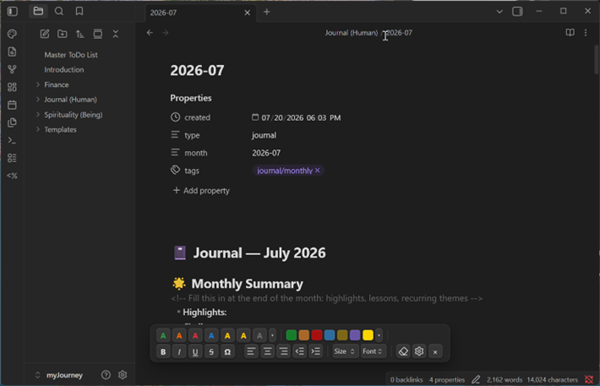
Free Obsidian plugin: a floating toolbar that styles selected text with clean inline HTML — colors, highlights, sizes, fonts, and alignment merged into a single span.
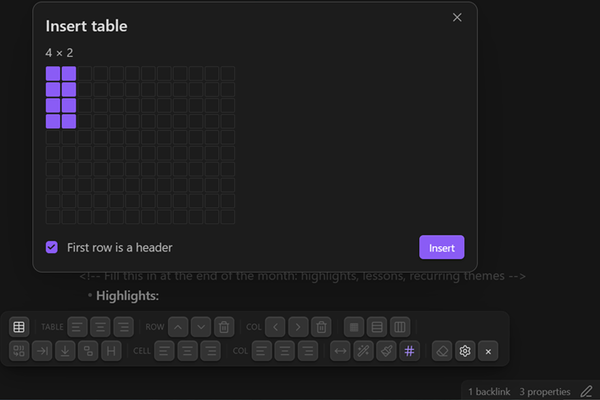
HTML Table Toolbar
Free Obsidian plugin: a Word-style toolbar for real HTML tables — rows and columns, merged and split cells, header rows, alignment, per-row and per-column borders, and cell shading.
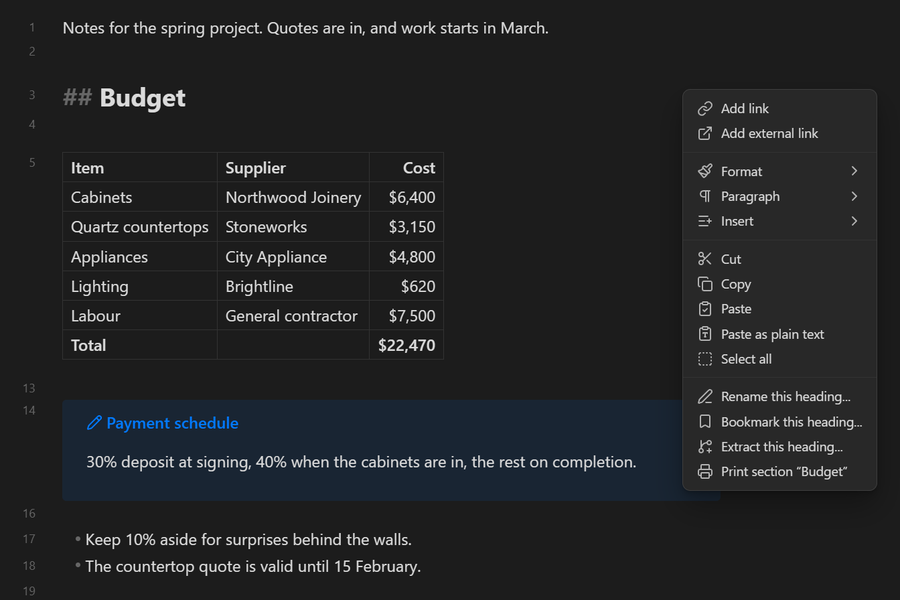
Print Section
Free Obsidian plugin: print just part of a note — the selection, or the section under the cursor — to paper or PDF, rendered as in Reading view, with page numbers and a running header.